
CVI PDF
Makes PDF worksheets easy to read for children with cerebral visual impairment (CVI) – without changing the layout. On iPad and Mac.
What the app does
- Clear fontsVerdana or Arial instead of ornate or narrow fonts.
- More space1.5× or 2× line spacing and more space between letters.
- Layout staysEvery text stays in its place. Images, tables, lines and boxes are not changed.
- Printed sheets tooScan pages with the iPad camera – text recognition reads the text.
- Accessible PDFReal text with headings, paragraphs and image descriptions for VoiceOver.
- Everything stays on the deviceNo sign-in, no ads, no data on the internet.
Before and after
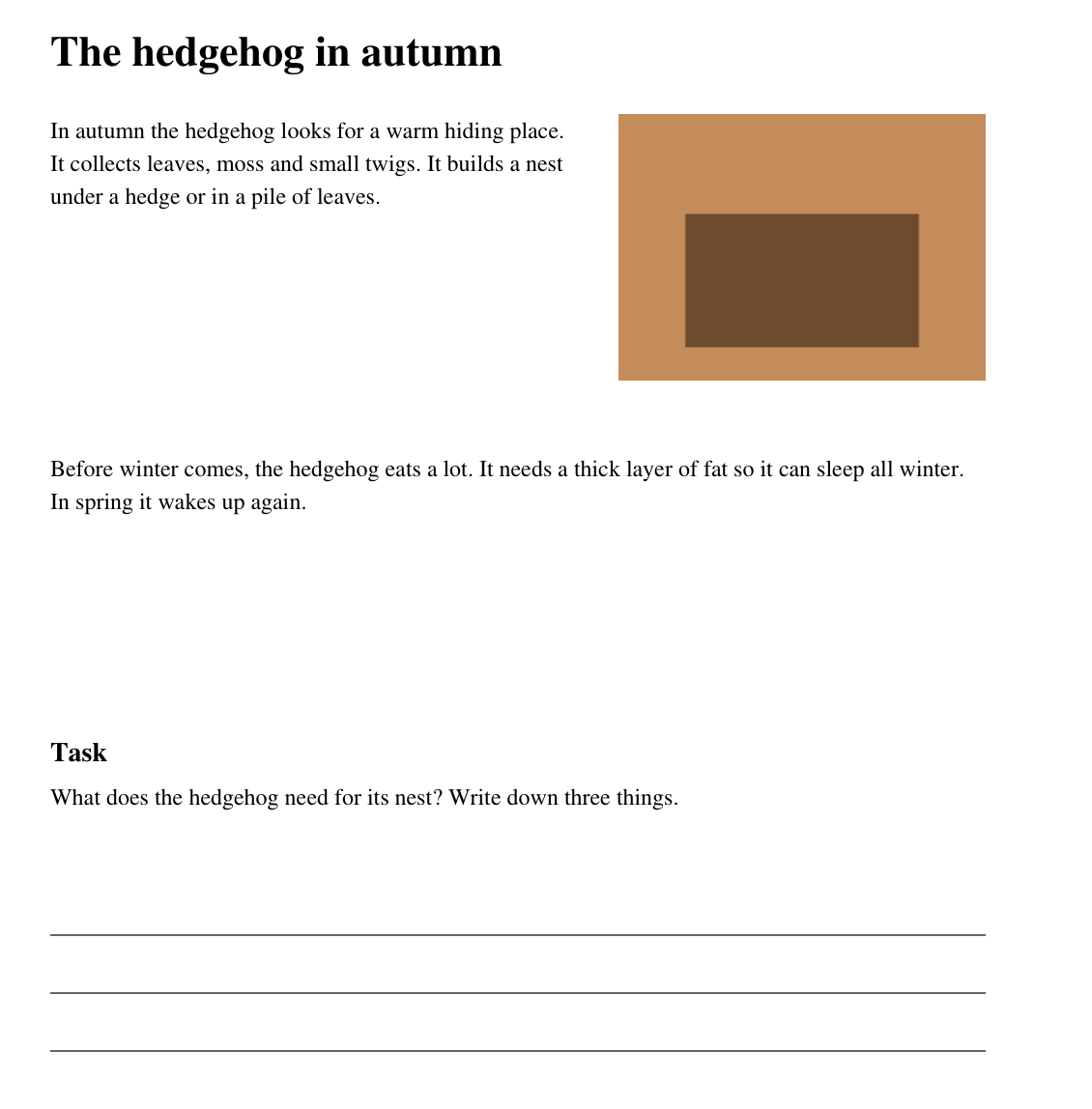
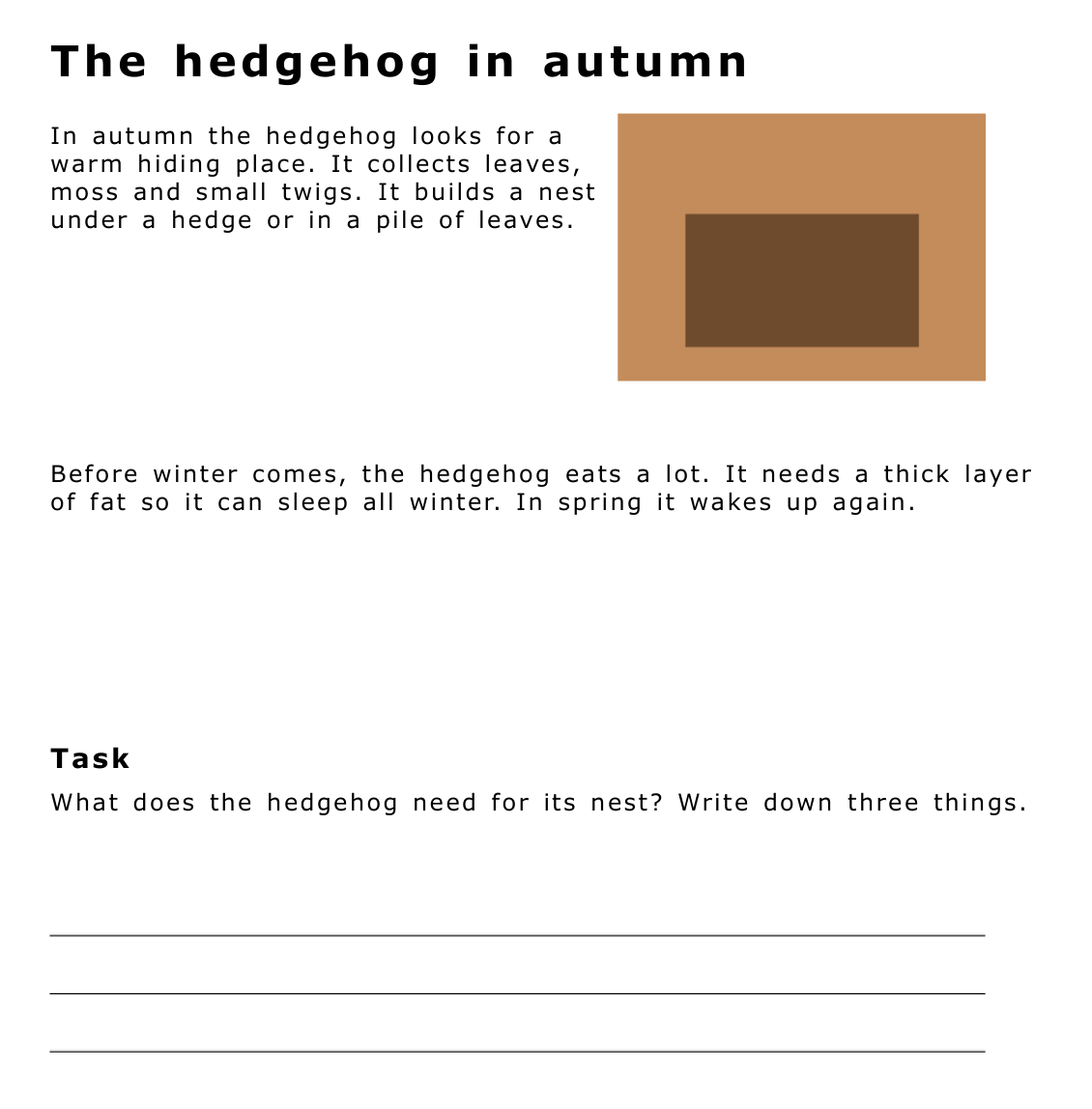
How it works
- Open: Choose a PDF from Files, open a photo or scan printed pages.
- Adjust: Choose font, line spacing and letter spacing. The preview shows the result instantly.
- Save: The new PDF is called Name_CVI.pdf and goes to Files – ready for the child’s iPad.
Requires an iPad with iPadOS 18 or later, or a Mac with macOS 15 or later.
More apps
Two more tools with the same goal: being able to do more on your own.

Tastenreise – Learn to type
The keyboard becomes familiar. A touch-typing trainer for children with and without visual impairment – on a real keyboard connected to the iPad. 16 levels, read-aloud, VoiceOver and braille display, fully keyboard-operated. Currently in German.
PDF Text Field – Create forms
From worksheet to fillable PDF. The tool for teachers detects writing lines, boxes and checkboxes and turns them into real form fields – so children can type instead of writing by hand. Currently in German.
About me

My name is Philipp and I live in Zurich.
I am a special needs educator working with children and young people with visual impairment. Today I lead a team that supports and advises these pupils in their schools.
In everyday work I often see where things get stuck. A worksheet a child cannot fill in on the iPad. A text set too tightly. A program that only works with an account or the internet.
My apps grow out of moments like these. They are made for people who see poorly or not at all, and for the professionals who work with them.
Local. Offline. No AI.
All my apps work entirely on the iPad or Mac. They need no internet, use no AI, contain no analytics and send no data.
The apps are in development. CVI PDF is coming soon to the App Store – for iPad with iPadOS 18 and Mac with macOS 15 or later.