Tastenreise
Get familiar with the keyboard. Tastenreise is a touch-typing trainer for children with and without visual impairments, using a physical keyboard connected to an iPad.
Who it is for
For children with and without visual impairments who want to learn to type on a physical keyboard.
What the app does
16 levels
A course in 16 levels guides children through learning and practising the keyboard.
Spoken guidance
Spoken instructions support learning and orientation.
VoiceOver and Braille
The app supports VoiceOver and a Braille display, and can be used without touching the screen.
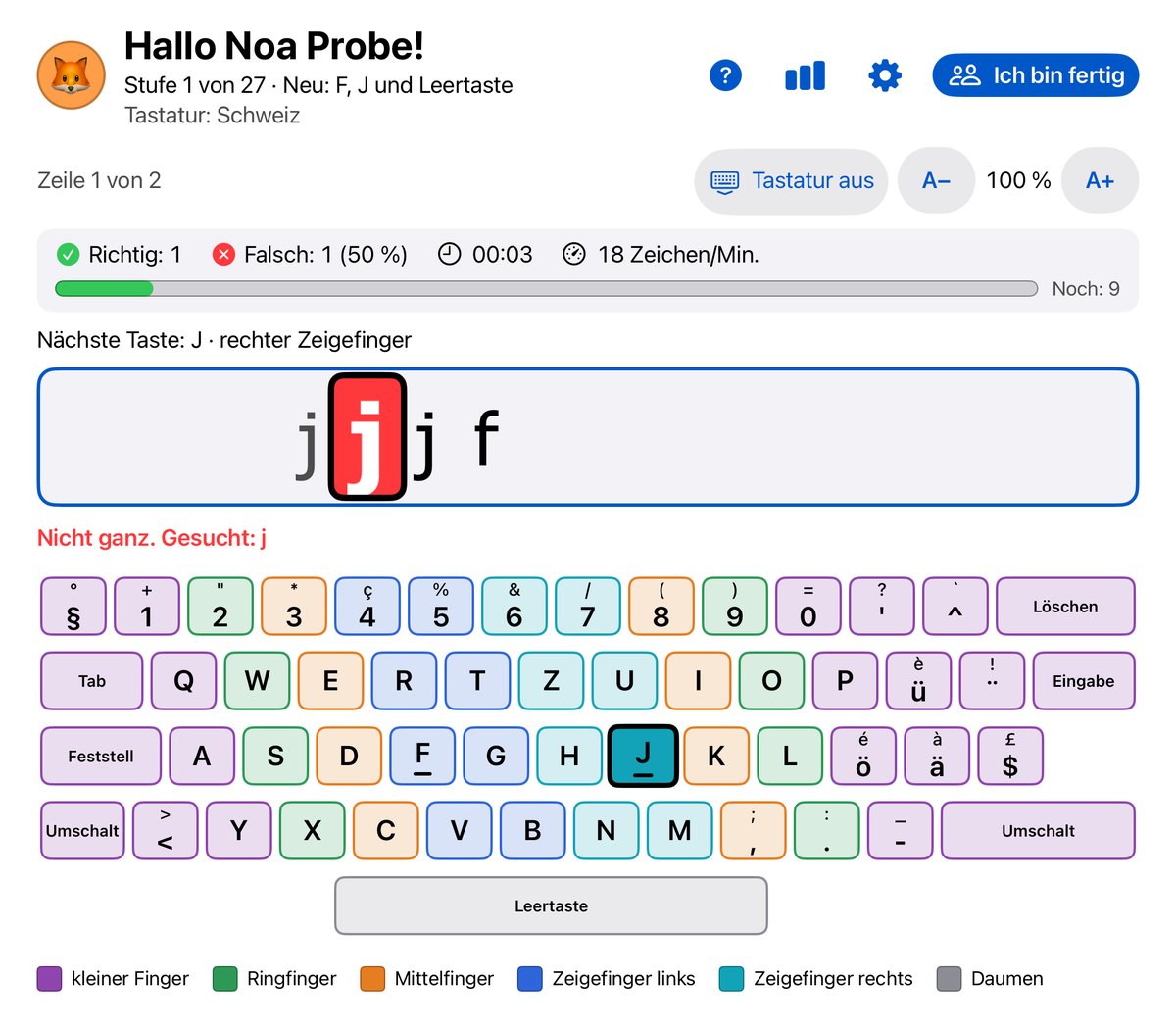
How it looks
How it works
- Connect: Connect a physical keyboard to the iPad.
- Choose a level: Start with a suitable level of the course.
- Practise: Get to know the keys and practise typing step by step.
Development and contact
The app is in development. Questions or suggestions? Write to support@sichtnah.com.