
CVI PDF
Makes PDF worksheets easy to read for children with cerebral visual impairment (CVI) – without changing the layout. On iPad and Mac.
What the app does
- Clear fontsVerdana or Arial instead of ornate or narrow fonts.
- More space1.5× or 2× line spacing and more space between letters.
- Layout staysEvery text stays in its place. Images, tables, lines and boxes are not changed.
- Printed sheets tooScan pages with the iPad camera – text recognition reads the text.
- Accessible PDFReal text with headings, paragraphs and image descriptions for VoiceOver.
- Everything stays on the deviceNo sign-in, no ads, no data on the internet.
Before and after
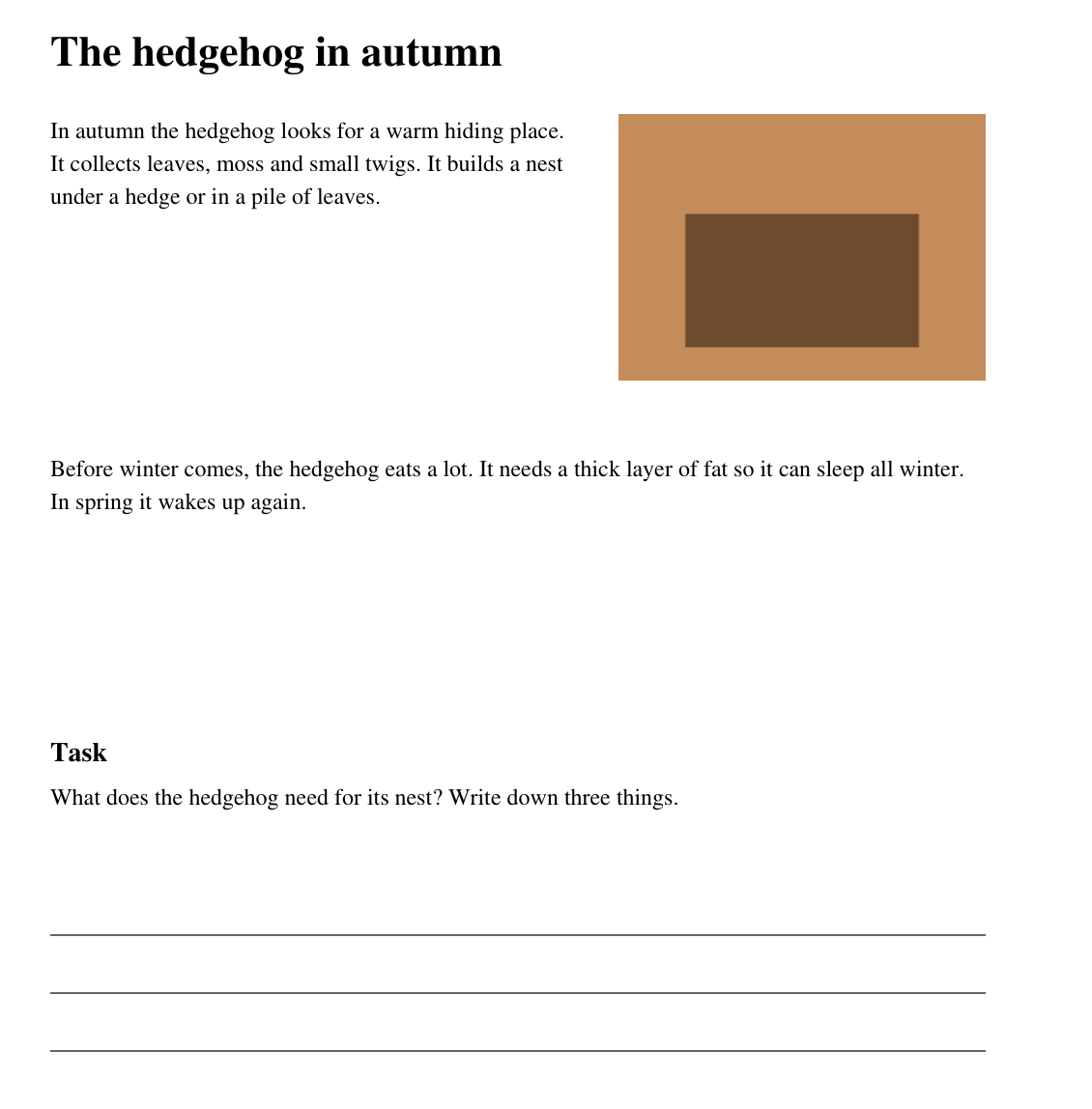
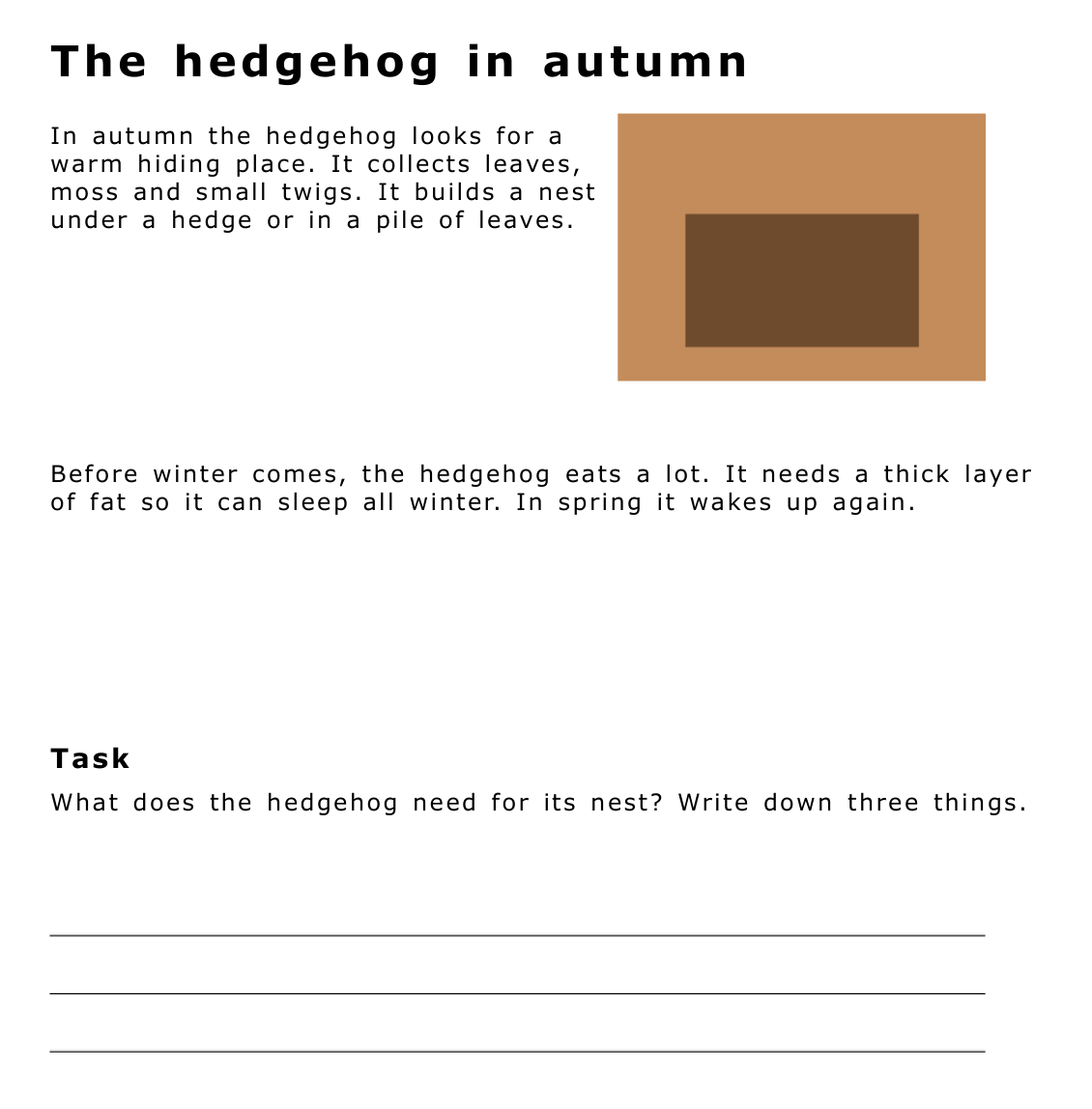
How it works
- Open: Choose a PDF from Files, open a photo or scan printed pages.
- Adjust: Choose font, line spacing and letter spacing. The preview shows the result instantly.
- Save: The new PDF is called Name_CVI.pdf and goes to Files – ready for the child’s iPad.
Requires an iPad with iPadOS 18 or later, or a Mac with macOS 15 or later.