Tastenreise
 Learn to type
Get familiar with the keyboard. Tastenreise is a touch-typing trainer for children with and without visual impairments, using a physical keyboard connected to an iPad.
What the
app does
For children with and without visual impairments who want to learn to type on a physical keyboard.
- 01
16 levels
A course in 16 levels guides children through learning and practising the keyboard.
- 02
Spoken guidance
Spoken instructions support learning and orientation.
- 03
VoiceOver and Braille
The app supports VoiceOver and a Braille display, and can be used without touching the screen.
How it
looks
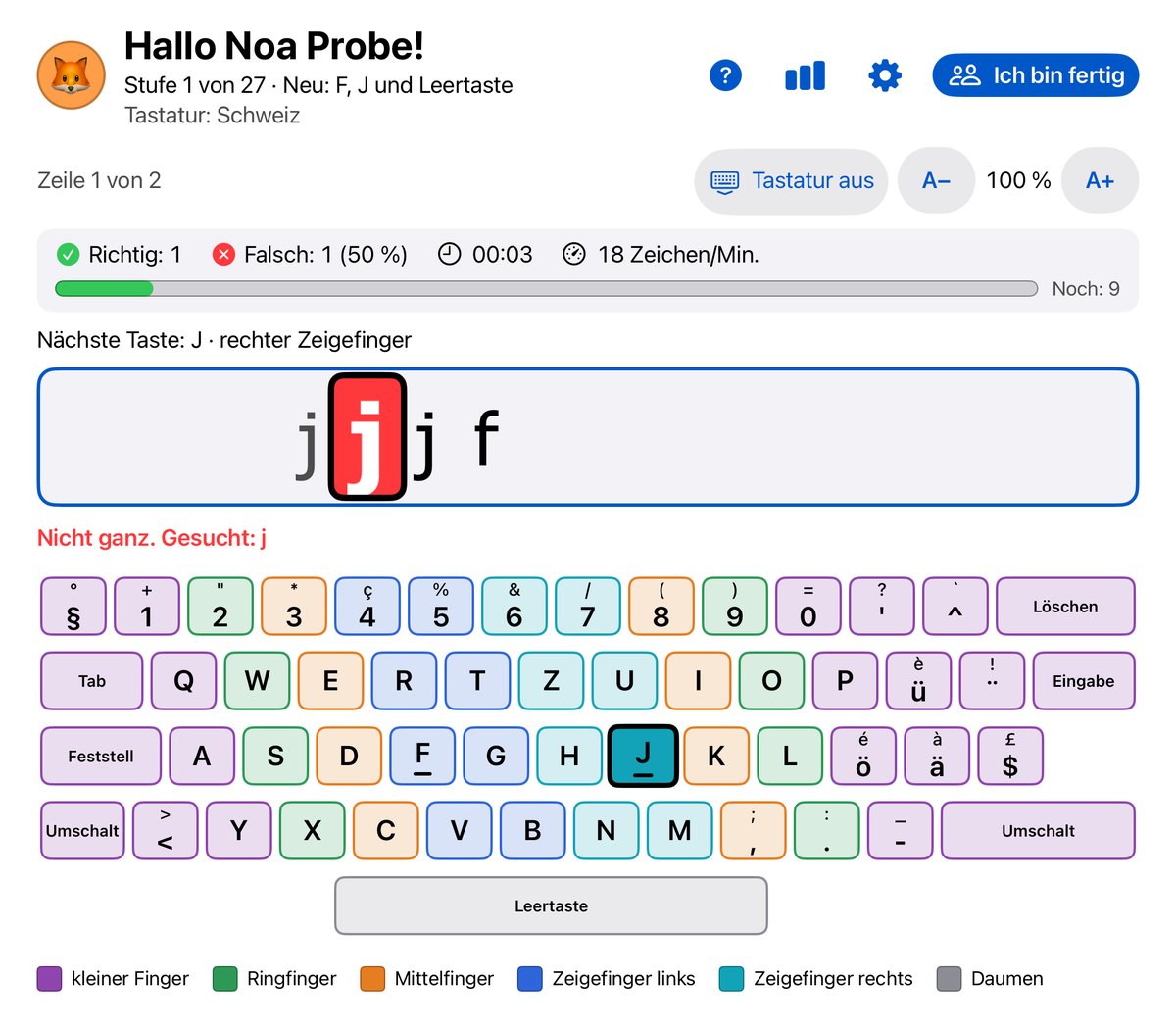
Three
steps
Connect
Connect a physical keyboard to the iPad.
Choose a level
Start with a suitable level of the course.
Practise
Get to know the keys and practise typing step by step.
Made for
everyday life.
The app is in development. Like my other apps, it works locally, without AI, advertising or usage analytics.
Questions or suggestions? Write to me.
support@sichtnah.com